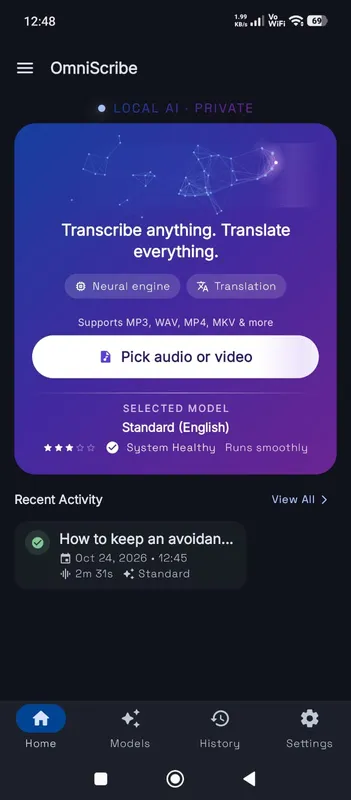
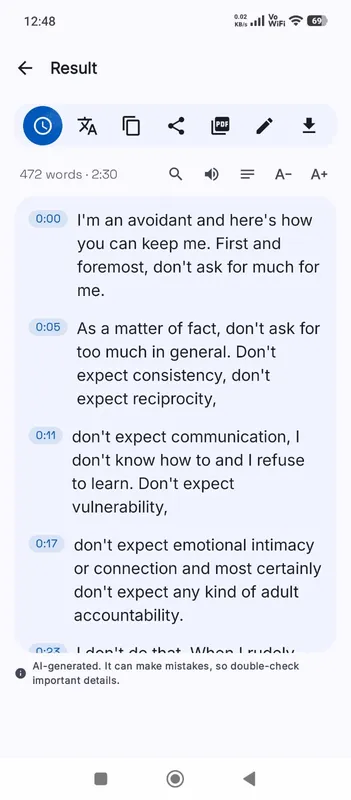
Pick the larger model
For Japanese, model size matters more than for most languages. High accuracy is rated high, Standard medium, and Fast rough. Fast often mixes up words that sound alike and produces text a Japanese reader would find awkward. Standard gives a usable draft. High accuracy gives text that reads naturally for clear speech. If your computer can run High accuracy, use it for Japanese; on a phone, Standard is the realistic choice.
Kanji, kana and homophones
Japanese has many words that sound the same but are written with different kanji, such as 橋 and 箸, or 機会 and 機械. The model chooses from context, and usually chooses well, but short phrases with little context are where it slips. It may also write a word in kana where you would use kanji, or the other way round. Reading the transcript once with these in mind catches most errors quickly.
The text uses Japanese punctuation, 。and 、, and has no spaces between words, as Japanese normally does. Search works on the characters themselves, so search for a name exactly as it is written.
Names
Japanese names are especially hard, because the same reading can be written many ways. Expect personal and company names to need correction. Fix each once with Edit, then search for the reading in other forms to catch the rest.
Polite and casual speech
The model writes what it hears, keeping keigo, casual forms and sentence-final particles such as ね and よ. Fillers like えーと and あの are often left out, so the text reads more cleanly than a strict verbatim transcript would. Very fast casual speech between friends is harder than a presentation or an interview.
Fonts and translation
The workspace loads a Japanese font the first time it shows Japanese text, so kanji display correctly even on systems without one. For English text, tick Translate to English before you start. Because Japanese is far from English, translation works much better with High accuracy than with Standard.
Subtitles in Japanese
Japanese subtitle lines are measured in characters rather than words, and a line that is comfortable in English can be long in Japanese. After you export SRT or VTT, play the video with the subtitles on and shorten any cue that is hard to read in time. Editing in the transcript before you export keeps the timing, so the shortened cues stay in step with the speech. Any Japanese characters you type in are kept exactly.