Speech straight to English
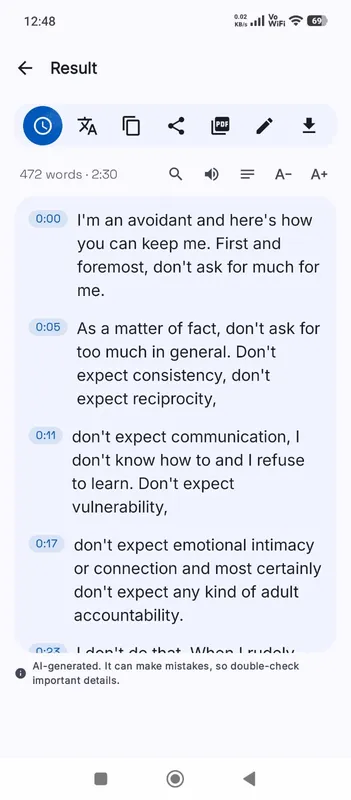
Most translation tools work in two steps: transcribe the speech, then translate the text. Here the multilingual speech model can do both at once. It listens to Spanish, Japanese, Russian or any other language it knows and writes English directly, with each line timed to the moment it was said. That keeps the timing for subtitles and avoids a second pass through a separate translator.
What you need
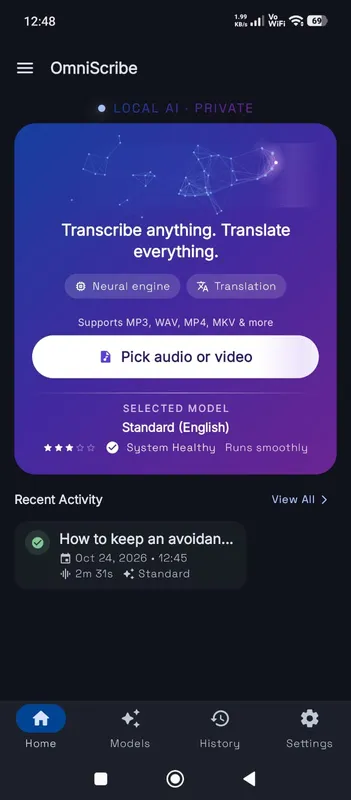
Translation needs a multilingual model. The English-only models are smaller and very accurate for English, but they cannot translate. When you open the workspace from this page, Translate to English is switched on for this one file; if your selected model is English-only, the workspace says so and you can pick a multilingual one on the Models screen.
Model size matters more for translation than for plain transcription. Fast often gives loose or partial translations. Standard is usable for most widely spoken languages, and High accuracy gives the best English, especially for languages further from English.
What to expect from the English
The result is a faithful working translation, not a polished one. Meaning usually comes through well for clear speech. Idioms are often translated word for word, names may be spelled the English way, and very short lines can lose context. For anything that will be published or used in a legal or medical setting, have a fluent speaker check it. For understanding an interview, a lecture or a video, it is usually more than enough.
Translating into other languages
The speech model translates into English only. For another target language, transcribe in the original language, then use Translate on the result. In Chrome on a computer, the browser’s own on-device translator makes a translated copy with the same timestamps. OmniaScribe never sends the text to an online translation service.
Tips for better translations
Choose the spoken language yourself instead of using detection, especially when the recording starts with music or a greeting in another language. Recordings that switch between languages part-way through are hard to translate cleanly; transcribing each part separately helps. Clear, close speech improves the translation just as it improves a transcript.
When accuracy matters, run the file twice: once as a plain transcript in the original language and once translated to English. Reading the two side by side shows you where a line was translated loosely, and a speaker of the language can check the original quickly because it is already written down and timed.